

It is Tuesday afternoon and you want to know why sales dipped last week. You could open Shopify Analytics, pick a report, adjust the date range, add a breakdown by channel, and compare periods. Or you could type the question into Sidekick and get an answer in seconds. Both paths lead to data. They do not lead to the same kind of answer.
Sidekick is good at exploratory questions, the kind you ask once to understand something. Structured reports are good at repeatable tracking, the kind you check every week to see whether things are improving. Knowing which tool fits which question saves time and prevents decisions based on a one-off answer. This guide explains the difference and gives a practical rule for choosing. If you want to try both while reading, open Shopify Analytics in another tab.
What Each Tool Is Built For
Sidekick and reports overlap, but their strengths are different.
Sidekick answers questions in plain language
Sidekick is Shopify’s AI assistant in the admin. Shopify gives examples such as comparing yesterday’s sales with the same day last week, segmenting recent customers into new and returning, analyzing 90-day sales trends, and checking which products to restock before the holidays. Shopify also says Sidekick can generate reports and is included in all Shopify plans (Source: Shopify).
Reports give you a fixed, repeatable view
Shopify Analytics reports use defined metrics, dimensions, filters, and date ranges. Once saved, a report shows the same view every time you open it, which makes trends easy to compare.
Your data shapes both
Shopify notes that Sidekick answers are most useful when the question ties to data already in your admin. Reports work the same way: they can only show what your store records.
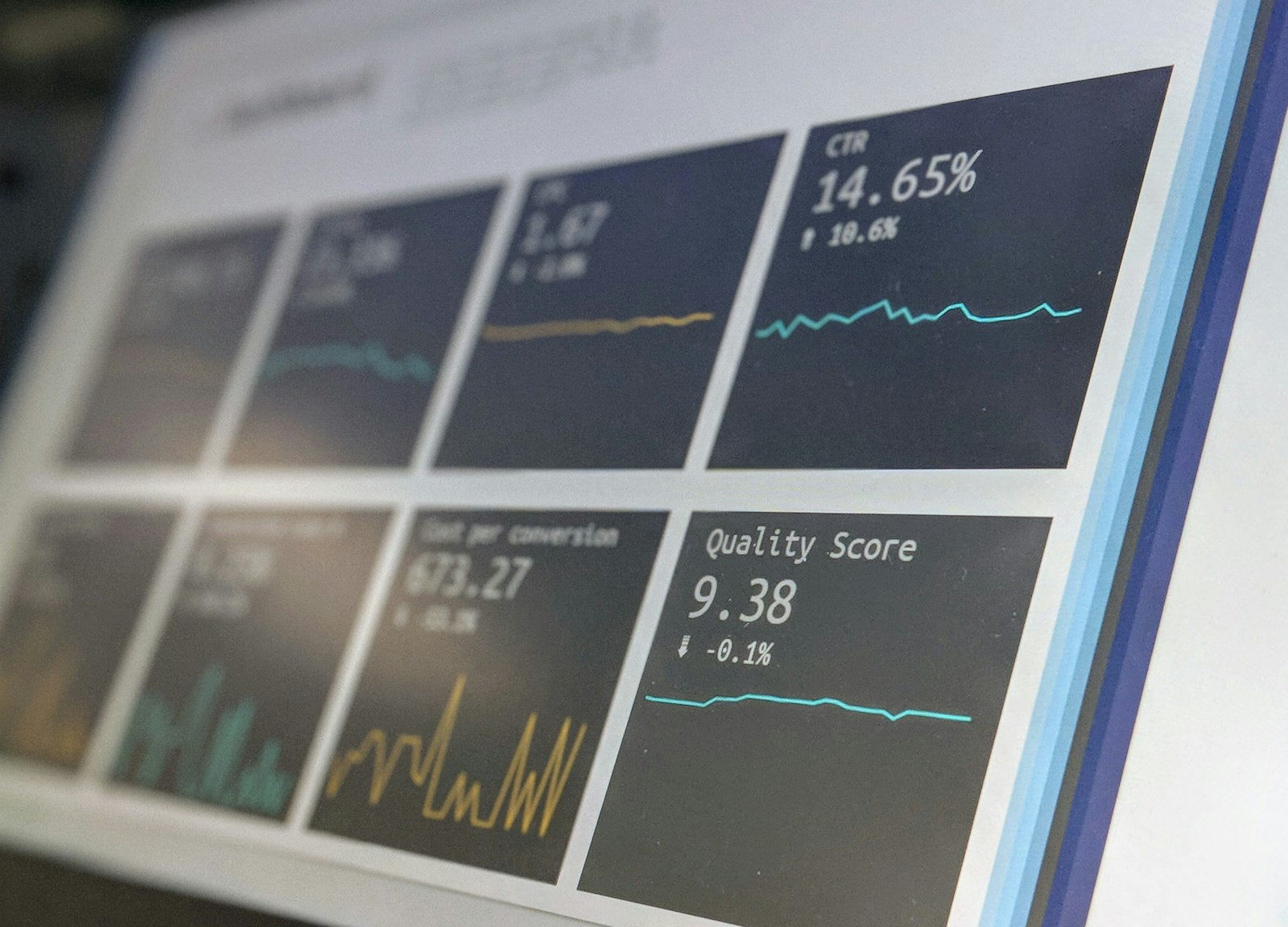
Image source: Unsplash.
A Simple Rule for Choosing
Ask yourself one question: will I need this answer again next week?
| Question type | Better tool | Why |
|---|---|---|
| Why did sales dip last Tuesday? | Sidekick | One-off investigation |
| What is our weekly net sales trend? | Report | Repeated tracking |
| Which products should I restock first? | Sidekick, then a saved report | Explore once, then monitor |
| Returning customer rate by month | Report | Consistent definition over time |
| What happened with a specific campaign? | Sidekick | Quick context for a single event |
| Board or investor metrics | Report | Needs exact, reproducible numbers |
If the answer is one-time, ask Sidekick
Exploratory questions benefit from speed. You want a direction, not a perfect dashboard.
If the answer is recurring, build a report
Recurring questions need the same definition every time. A saved report removes the risk that a slightly different phrasing produces a slightly different answer.
Where Sidekick Shines
Sidekick is most useful when you do not yet know which report to build.
Investigating surprises
A sudden drop or spike raises questions you have not asked before. Sidekick lets you follow a thread quickly: by channel, by product, by customer type.
Combining several angles at once
Questions that mix sales, inventory, and customer data in one sentence are slow to build as reports. Sidekick can answer them in one step.
Helping team members who do not build reports
Staff who rarely use Analytics can still get useful answers by asking in plain language, as long as they have the right permissions. Shopify says Sidekick has the same access as the logged-in user.
Partnered with Shopify: This guide includes Shopify links for merchants using Sidekick and Shopify Analytics.
Where Structured Reports Win
Reports matter when consistency matters more than speed.
Weekly and monthly tracking
Net sales, orders, average order value, and returning customer rate should be measured the same way every period. A saved report makes that automatic.
Numbers others will rely on
Investors, partners, and finance teams need numbers they can reproduce. A report with clear filters and dates is easier to defend than an AI answer that cannot be shown step by step.
Custom dimensions from your own data
Shopify Analytics can use metafields and, since September 2026, metaobject fields attached to products, variants, customers, or orders as dimensions and filters. Examples include a designer’s country, a warranty term, or a loyalty tier (Source: Shopify Changelog). Building these into saved reports lets you track your own business categories over time.
Use Them Together: Explore, Then Lock In
The best workflow uses both tools in sequence.
Step one: explore with Sidekick
Ask the open question and follow the answers until you find the metric that explains what you care about.
Step two: confirm in a report
Open or build a report that shows the same metric with clear filters. Check that the numbers match what Sidekick suggested.
Step three: save and schedule a review
Save the report and add it to your weekly or monthly review. You can save custom reports in Shopify so the view stays the same.
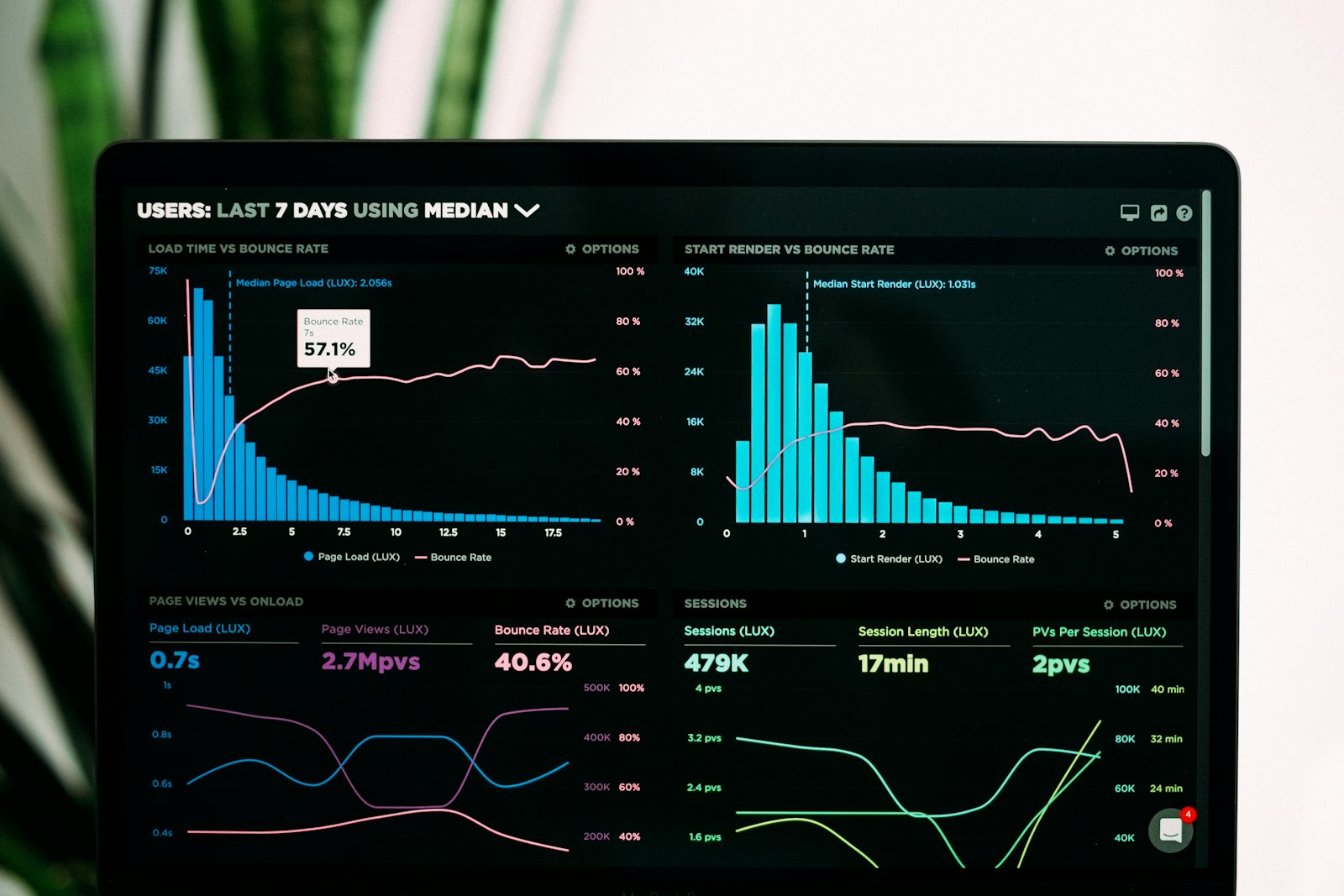
Image source: Unsplash.
Pitfalls to Avoid
Both tools can mislead when used carelessly.
Asking vague questions
“How is my store doing?” produces a vague answer. Specify the metric, period, and comparison: “Compare net sales and orders for the last 7 days with the previous 7 days, by channel.”
Mixing measurement periods
Shopify updated session measurement in September 2026 and bot detection for cart and checkout activity in November 2026. Questions about sessions or conversion rate across those dates may compare different counting methods. Prefer orders and sales for long comparisons.
Treating one answer as policy
Do not change pricing, budgets, or staffing based on a single AI answer. Confirm it in a report first, especially for decisions that cost money. A quick check usually takes a few minutes and protects you from acting on a question that was phrased slightly differently from what you meant, or on a period that included an unusual day such as a flash sale.
How to Ask Sidekick Better Questions
The quality of an AI answer depends heavily on the question. A few habits make Sidekick far more useful.
Name the metric and the period
Instead of “How did we do?”, ask “What were net sales, orders, and average order value for the last 14 days compared with the 14 days before?” Precise questions produce answers you can check.
Ask for the breakdown you need
Add “by channel,” “by product type,” or “for new versus returning customers” when you want to know where a change came from. Without a breakdown, you get a total that hides the cause.
Ask what to check next
A useful follow-up is “Which report should I open to track this every week?” That turns a one-off answer into a habit and points you toward the right saved view.
Keep a list of good questions
When a question produces a clear, useful answer, save it in a shared document. Over time, the team builds a library of questions that work, and new staff can start from proven prompts instead of guessing.
Example: A Week of Questions for a Small Store
Here is how one store owner might split questions across a normal week.
- Monday: Open the saved weekly sales report for net sales, orders, and average order value.
- Tuesday: Ask Sidekick why one collection sold less than usual last week.
- Wednesday: Ask Sidekick which products are likely to run out before the holidays.
- Thursday: Build and save an inventory report for those products to watch each week.
- Friday: Check the monthly returning customer report before planning emails.
The pattern is simple: reports for rhythm, Sidekick for curiosity, and every useful discovery becomes a saved report.
Build Team Habits Around Both
Write down which reports are the official source for key numbers, and encourage the team to use Sidekick freely for questions. When someone finds something interesting with Sidekick, ask them to share the question and confirm it in a report before it goes into a decision. Review your saved reports in Shopify once a quarter and remove ones nobody uses.

Image source: Unsplash.
Final Thoughts
Ask Sidekick when the question is exploratory, urgent, or mixes several kinds of data, and you mainly need a direction. Build a Shopify report when the question repeats, needs a consistent definition, or will support a decision others rely on. The strongest workflow combines them: explore with Sidekick, confirm in a report, then save it for regular tracking. Use Sidekick and Shopify Analytics together to move from curiosity to decisions you can defend.
FAQ
Can Sidekick create reports?
Shopify lists generating reports among Sidekick’s abilities and says Sidekick is included in all Shopify plans.
Should I trust Sidekick answers for financial decisions?
Use them as a starting point, then confirm the numbers in a structured report before making financial decisions.
Can Shopify reports use my custom data?
Yes. Analytics can use metafields and metaobject fields as dimensions and filters when they are enabled for analytics.
We only recommend tools we've tested and trust. This post may include affiliate links, meaning we may earn a commission if you choose to purchase – at no extra cost to you.