
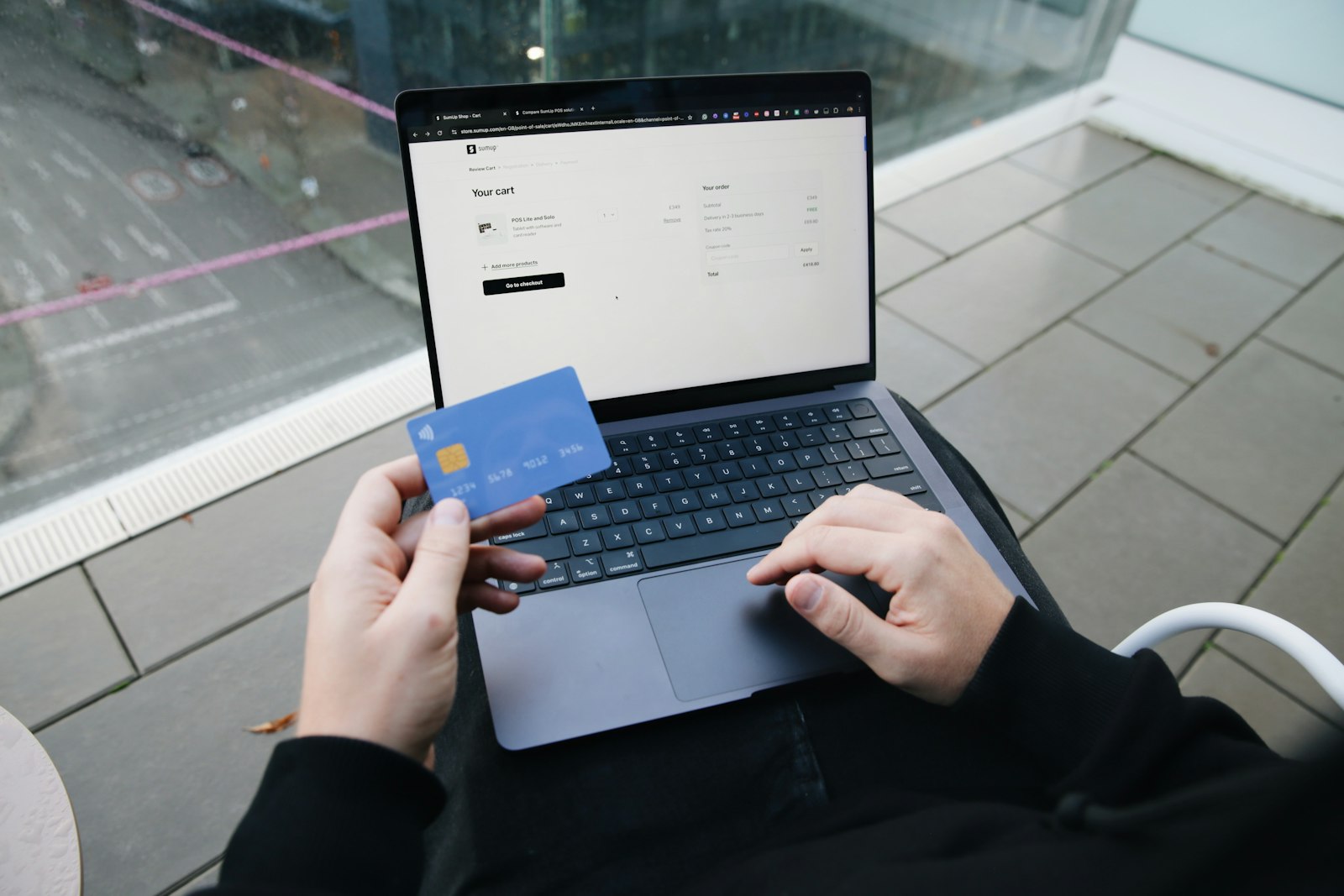
A shopper adds a sweater to her cart on her phone during a lunch break. That evening she opens her laptop, goes to the same store, and the sweater is already waiting in her cart. She checks out in a minute. From her side, nothing unusual happened. From the merchant’s side, a lot happened behind the scenes, and it changes how carts, abandoned cart messages, and reports should be read.
Cart sync through Shop connects a shopper’s cart across devices and between participating stores and the Shop app. It is not the same as an abandoned cart automation, and it does not need a separate app on your store. This guide explains how it works based on Shop’s own help documentation, what can trigger it, where it stops, and what merchants should adjust. If you want to check your setup while reading, open your Shopify admin in another tab.
How Cart Sync Works
Cart sync follows the shopper rather than the browser. That single idea explains most of its behavior.
Carts sync both ways
According to Shop’s help center, a cart started on a participating store appears in Shop, and a cart started in the Shop app or on Shop.com syncs back to that store. Cart updates apply in both places, and the cart follows the shopper when they switch devices (Source: Shop Help Center).
The shopper’s identity is the link
Traditional carts live in a browser cookie. Clear the cookie or switch devices, and the cart is gone. Cart sync ties the cart to a shopper recognized through Shop, so the cart can survive a change of device.
Past carts can come back too
The help page says that signing in with Shop or creating a Shop account can also sync carts started on participating stores during earlier visits, not only the current session. A shopper who browsed last week may find those items again.

Image source: Unsplash.
What Triggers a Cart Sync
Shop’s documentation lists several ways a sync can start. None of them require the merchant to do anything special in the theme.
| Trigger | What the shopper does | What it means for you |
|---|---|---|
| Shop Pay selected | Chooses Shop Pay at cart or checkout | The cart becomes linked to the shopper’s Shop identity |
| Customer account sign-in with Shop | Signs in to your store’s customer account using Shop | Carts can follow that customer between devices |
| Shop email on some stores | Uses the email tied to their Shop account | Sync may start without a full sign-in |
| Earlier Shop sign-in | Visits your store after signing in with Shop elsewhere | The cart can sync even if they are not signed in on your store |
Why customer accounts matter here
If your store uses the latest customer accounts with Shop sign-in, more of your customers have a path into cart sync. Stores still on legacy accounts may see fewer synced carts.
Limits Merchants Should Understand
Cart sync is useful, but it has clear boundaries. Knowing them prevents confusion when a customer contacts support.
Only one cart syncs at a time
Shop’s help page says only one cart syncs at a time. An existing cart is not replaced, and carts are not combined. A shopper with items on two devices will not automatically see a merged cart.
Products must be available where the shopper buys
Items must be available in the place the shopper is checking out. Shop-exclusive items can sync to a store cart but cannot be purchased there.
Regional limits apply
If a shopper shops from a different region than where the cart was created, the cart might not follow them. This matters for stores with several markets and different catalogs or prices per market.
Partnered with Shopify: This guide includes Shopify links for merchants improving checkout and customer accounts.
What Changes in Your Reports
When carts follow shoppers, some familiar metrics behave differently.
Fewer “abandoned” carts that were never abandoned
Previously, a cart started on a phone and finished on a laptop could look like one abandoned cart and one new order. With sync, more of those journeys end in a single order. Your abandonment rate may look better without any change in shopper intent.
Cross-device journeys become clearer
Shoppers often research on mobile and buy on desktop. Synced carts make that pattern visible as one journey rather than two separate visits. That is useful when you judge mobile campaigns: a phone visit that adds to cart but ends in a desktop order still contributed to the sale, even if a last-click view gives the credit elsewhere.
Compare with the right baseline
Shopify updated session measurement in September 2026 and bot detection for cart and checkout activity in November 2026. If cart and checkout rates change this season, check those dates before attributing the change to cart sync alone.
Adjust Your Abandoned Cart Messages
Cart sync and abandoned cart automations work together, but your messages should reflect the new behavior.
Avoid reminding shoppers who already bought
Most automation tools stop when an order is placed. Still, test your flows to confirm that a shopper who completes a synced cart on another device does not receive a reminder an hour later.
Mention that the cart is saved
A short line such as “Your cart is saved and waiting on any device” can reduce the friction of returning. It is accurate for shoppers whose carts sync, so keep the wording general for those who may not.
Time reminders sensibly
Because synced shoppers can pick up later on another device, a very fast first reminder may be unnecessary. Many merchants find that a reminder a few hours later feels less pushy. Test timing with your own data.

Image source: Unsplash.
Stock, Pricing, and Promotions
A cart that survives for days creates small operational questions.
Prices can change between devices
If a shopper adds an item during a sale and returns after it ends, the price at checkout follows your current rules. Make sure discount end times are clear on product pages and in reminder emails so shoppers are not surprised.
Low stock can disappear before checkout
A synced cart does not reserve inventory. If an item sells out, the shopper will see it unavailable when they return. Clear stock messaging on product pages helps set expectations.
Markets need consistent catalogs
Because regional limits can stop a cart from following a shopper, review whether key products are available in all the markets where your customers usually shop. You can manage markets and catalogs in Shopify to check availability by region.
Prepare Support for Common Questions
Customers rarely know the term cart sync, but they notice its effects.
- “Why is there an old item in my cart?” Explain that carts from earlier visits can sync after signing in with Shop.
- “Why did my two carts not combine?” Explain that only one cart syncs at a time and carts are not merged.
- “Why can’t I buy this item here?” Explain that some items are available only in certain places or regions.
- “Why did the price change?” Point to the sale end date and current pricing.
What Merchants Should Do Now
You cannot turn cart sync into a campaign, but you can make your store work well with it.
- Make sure Shop Pay is enabled and tested on desktop and mobile.
- Upgrade to the latest customer accounts if you still use legacy accounts.
- Test abandoned cart flows with a cross-device purchase.
- Review discount end-time messaging on product pages and emails.
- Check product availability across your main markets.
- Brief support on the common questions above.
After these checks, review your checkout settings in Shopify once more before the busiest shopping days.

Image source: Unsplash.
Final Thoughts
Shopify cart sync through Shop lets a shopper’s cart follow them between devices and between participating stores and Shop. It is triggered by actions such as choosing Shop Pay or signing in with Shop, it syncs one cart at a time, and it respects product and regional availability. For merchants, the practical work is small but important: test recovery flows, keep discount and stock messaging clear, check market availability, and read cart metrics with the right baseline. Keep Shop Pay and customer accounts current in Shopify so more shoppers can pick up where they left off.
FAQ
Do I need an app to use Shopify cart sync?
No. Cart sync works through Shop for participating stores, triggered by actions such as Shop Pay or Shop sign-in.
Does cart sync combine carts from different devices?
No. Shop’s help center says only one cart syncs at a time and carts are not combined.
Does a synced cart reserve stock?
No. Inventory is not held, so an item can sell out before the shopper returns to check out.
We only recommend tools we've tested and trust. This post may include affiliate links, meaning we may earn a commission if you choose to purchase – at no extra cost to you.